صحافة الكترونية مرخصة وزارة الاعلام ترخيص رقم 366-2019

صحافة الكترونية مرخصة وزارة الاعلام ترخيص رقم 366-2019
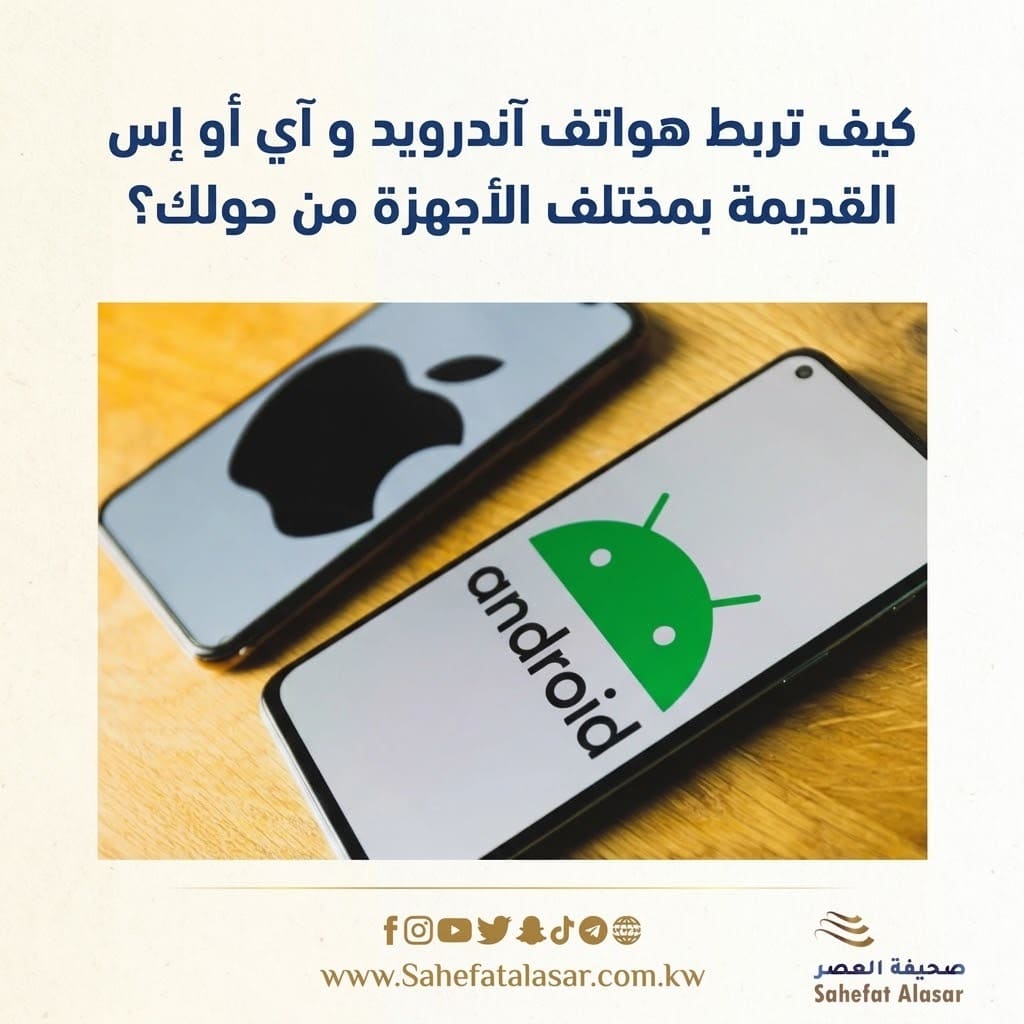
You might have old smartphones languishing in drawers and closets, often considered obsolete after upgrading to newer models. However, there are useful ways to repurpose these devices at home.
One of the most prominent and practical is to use them to solve the problem of weak Wi-Fi coverage in your home without needing to buy expensive equipment. In some homes, there are corners and rooms where the main router's signal doesn't reach well, which can cause you to lose internet access and your favorite apps as soon as you move out of range.
This is where older phones come in. Your old phone can act as a Wi-Fi repeater or network booster by receiving and rebroadcasting the Wi-Fi signal. While dedicated Wi-Fi devices or mesh networks may offer better performance, using an old phone is a free solution worth trying before spending any extra money.
The technology behind this relies on the "Mobile Hotspot" feature available in modern smartphones. Historically, phones required cellular data to activate a hotspot, but relatively new phones can connect to your home Wi-Fi network and simultaneously broadcast it as their own independent network. This means the phone acts as an intermediary, picking up the weak signal from your home router and then providing a nearby wireless network to devices in areas with weak signal. To activate this
wireless hotspot feature
on Android phones, first ensure your phone is charged and running the latest operating system. The first step is to open the Settings menu and then go to the Network & Internet section to connect your phone to your home Wi-Fi network and enter its password.
After confirming that your phone is connected to the main network, go to the Hotspot and Tethering settings and enable the Wi-Fi Hotspot option. It's recommended to assign a new name and strong password to this new network to distinguish it from your home network, prevent interference from other devices, and ensure the connection is routed correctly to your phone.
Some Android phones offer additional advanced options when setting up the hotspot, such as choosing a frequency band between 2.4 GHz and 5 GHz. Choosing the 2.4 GHz band is recommended because it offers a wider range and better penetration of walls and concrete obstacles, which is necessary for the phone to effectively act as a signal booster in distant rooms.
Practically speaking, and to ensure continuous service, the old phone should be placed in a central location, roughly halfway between the main router and the area you want to cover. It is also advisable to keep your phone connected to a power source via its charger at all times, as constantly activating the "hotspot" feature drains the battery very quickly and will cause it to run out if the phone is not plugged in.
For iOS phones, the situation is slightly different due to Apple's restrictions on sharing Wi-Fi networks in the traditional, direct way found in Android. Unlike Android devices, iOS does not allow rebroadcasting a previously connected Wi-Fi network as another Wi-Fi hotspot without using cellular data. However, alternative methods exist that rely on sharing the internet via Bluetooth or using proxy apps and other applications available on the App Store for this purpose.